

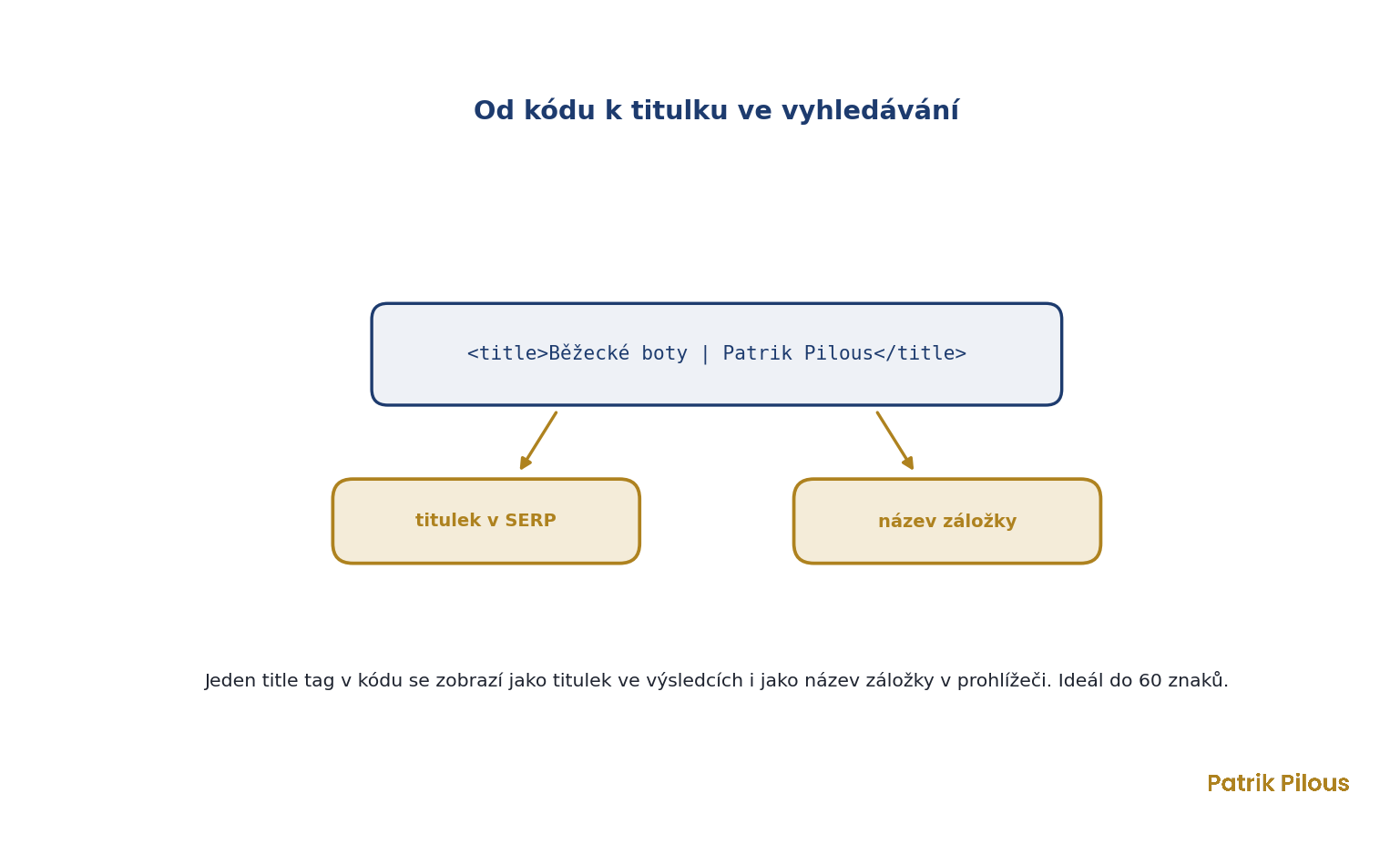
A title tag, often called a meta title or simply the page title, is the text that describes what a page is about. It appears as the blue headline in search results and as the tab name in your browser. It is one of the strongest on-page elements of all, because it decides two things at once. It helps the search engine understand the page’s topic, and it tempts people in the SERP to click. Together with the meta description, it forms your shop window in the results. This is where people decide whether to come in or go to a competitor.

Where the word comes from
The word title comes from the Latin titulus, which meant an inscription, label or marking. In ancient Rome, a titulus hung on statues and goods and told you at a glance what they were. A title tag plays exactly this role on the web. In web language, the word tag means a marker, a piece of code that gives content a specific role. So the title is literally the page’s label, introducing it before anyone even visits.
A short history of the title tag
The title tag is one of the very oldest elements of the web. It has been part of HTML since its beginnings in the 1990s, and search engines treated it as one of the first and strongest signals of what a page is about. This led to an era of titles stuffed with keywords.
Over time, Google got stricter. Today it reserves the right to rewrite a title in the results (and often does) when it decides yours does not reflect the content or is too long. Even so, the title tag remains one of the few elements you have full control over, as I also point out in my article on how SEO and GEO work.
How the title tag works for SEO
A good title tag follows a few clear rules. The main keyword belongs as close to the beginning as possible, and the length should fit within roughly 60 characters, otherwise Google will cut it off in the results. Every page must have a unique title. Two identical titles confuse both the search engine and people.
I never write a title just for the robot. It has to make sense to people and match what they are looking for in the SERP. Together with the meta description, it forms a pair that I always fine-tune together when writing, so they support each other and make one coherent promise.
Opinions differ on this, but I have found it works well to keep a page’s H1 heading and its title almost identical. Only the title gets a brand part added, most often after a vertical bar or a hyphen. So if I had a “running shoes” category, the heading on the website would be “Running shoes” and the title “Running shoes | Patrik Pilous”. Small variations are fine, but the H1, the title and the page’s topic should never be radically different.
The website’s brand should be consistent in the title and always at the end, except on the homepage, where it goes at the beginning instead.
Why the title tag matters
The title tag directly affects click-through rate. You can be in a nice second position, but if your title is dull and says nothing, people will click on the result below you. That is why a good title is a piece of copywriting, not a technical formality. The same rules apply as for the best advertising slogans. A few words must grab attention, promise value and spark curiosity.
The psychology of first impressions also plays a role. The title is the first thing people see about you, and through the halo effect they form an opinion of the whole page based on it before they even click.
For categories and transactional queries, it is important that the title clearly describes what the page is about.
Where it goes further
Behind the title tag lies an old truth about the power of naming. How you name something changes how people perceive it. The same content feels different under the title “a proven step-by-step guide” than under the title “some information”, exactly as the framing effect describes. A clear, smooth title also increases processing fluency, the feeling that content is easy to work with, and that alone boosts trust and willingness to click.
The most common mistakes
- Stuffing the title with keywords, so it sounds unnatural and Google rewrites it anyway.
- The same title on several pages, which confuses both the search engine and people.
- Text that is too long, gets cut off in the results and loses its point.
- A title without the main keyword or without any reason to click.
Questions about the title tag
What is a title tag?
An element in a page’s code that sets its title. It appears as the headline in search results and as the tab name in the browser. It is also called a meta title.
How long should a title tag be?
Roughly up to 60 characters, so it fits fully in the search results and Google does not cut it off. The main keyword belongs as close to the beginning as possible.
What is the difference between a title tag and a meta description?
The title tag is the page’s title, and the meta description is the description below it. The title carries more weight for understanding the topic, while the description mainly encourages clicks.

